Table of Contents
- Introduction: Unlock Mobile App Marketing Success with Strategic Google Ads in 2025
- Step 1: Grasping the Core of Google App Campaigns
- Step 2: Setting Up Your First App Campaign
- Step 3: Optimizing Campaigns for Maximum Impact
- Step 4: Advanced Strategies for App Campaign Excellence
- Step 5: Adapting to the Future of App Campaigns
- Optimizing App Marketing Strategy: Best Practices
- Conclusion: Achieving Excellence with Google Ads for Apps
- FAQs About App Campaigns
Introduction: Unlock Mobile App Marketing Success with Strategic Google Ads in 2025
Are you ready to elevate your app’s visibility and significantly increase app downloads? As we move into 2025, mastering Google Ads for app campaigns remains crucial for effective mobile app marketing. This guide explores the strategies and best practices needed to make your app a standout success using Google’s advertising platform. Whether your goal is to boost app installs, optimize user acquisition, or refine your app marketing strategy, understanding the intricacies of Google App Campaigns is key to achieving your objectives in a competitive digital landscape.

Step 1: Grasping the Core of Google App Campaigns
Before launching your campaign, it’s essential to understand what Google App Campaigns entail and how they operate. Formerly known as Universal App Campaigns (UAC), these automated campaigns are designed to promote your app across Google’s extensive network, including Google Search, the Google Play Store, YouTube, and the Google Display Network. According to ePPC’s guide, Google App Campaigns can promote your Android app across Google’s ecosystem, including Google Play Store, Google Search, YouTube, and Google Display Network. By harnessing the power of machine learning, these campaigns optimize ad placements to connect with the right users, streamlining the process of boosting app installs and driving efficient user acquisition.
Exploring Campaign Types for Targeted App Promotion
Google provides several campaign types tailored to specific marketing goals:
- App Installs: Acquire new users efficiently.
- App Engagement: Re-engage existing users.
- Pre-registration (Android only): Generate excitement for upcoming app launches.
Aligning Campaigns with Clear Business Objectives
It’s critical to align your campaigns with well-defined business objectives. For initial growth, prioritize App Install campaigns optimized for in-app actions. If your primary focus is monetization, opt for App Installs configured for in-app purchases. To improve user retention, utilize App Engagement campaigns with deep links designed to reactivate inactive users.
Step 2: Setting Up Your First App Campaign
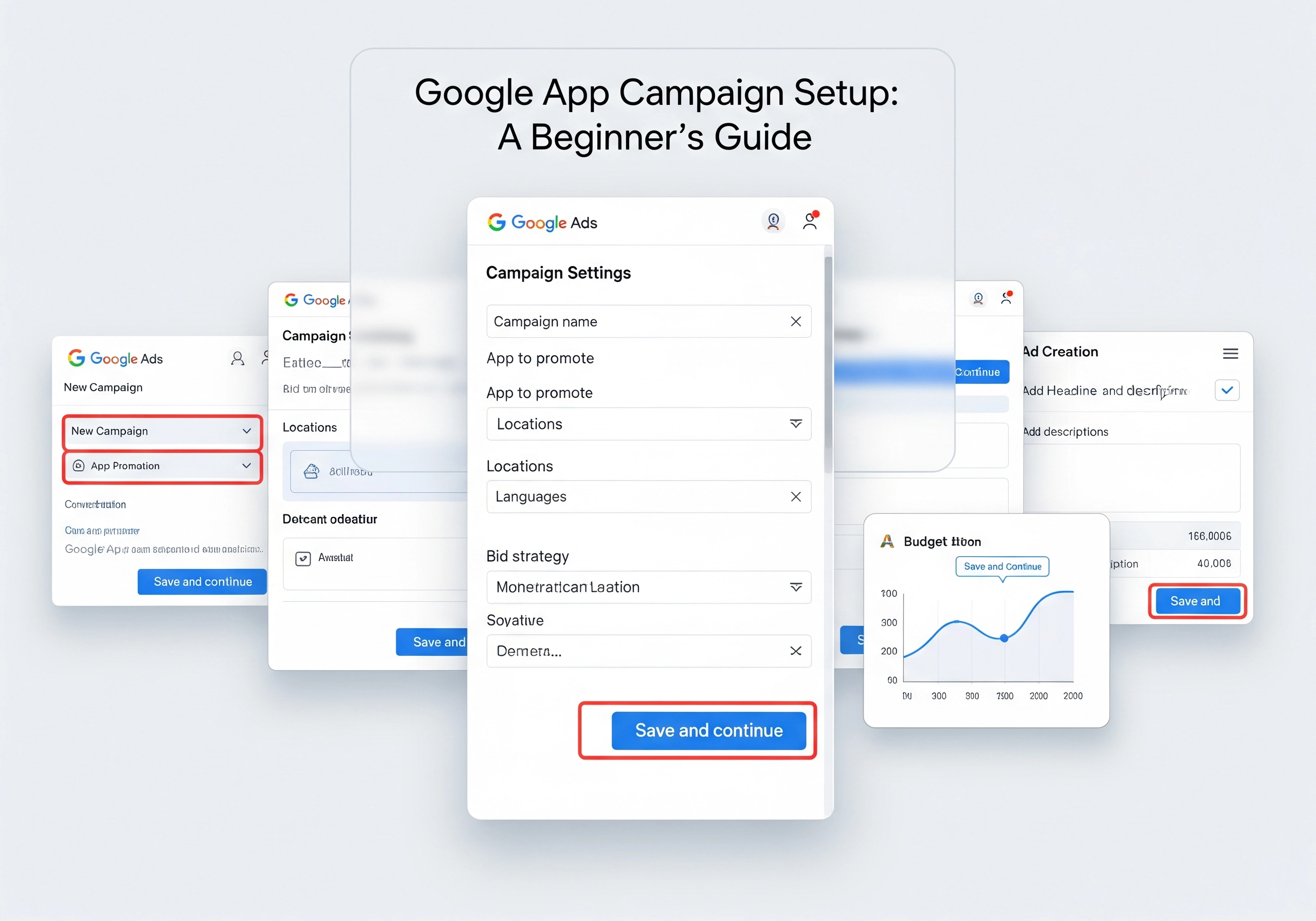
Creating your initial Google App Campaign involves several key steps within the Google Ads platform. This includes clearly defining your campaign objectives, identifying your target audience, and crafting compelling and effective ad creatives.
Navigating the Google Ads Interface
Begin by accessing the “Campaigns” section within your Google Ads account. Here, you can initiate the creation of a new campaign.
Defining Objectives and Campaign Subtypes
Select a campaign goal based on whether you aim to drive app installs, enhance in-app actions, or promote app pre-registration.
Linking Your App for Targeted Advertising
Connect your app to the campaign by searching for it in either the Google Play Store or the Apple App Store.
Configuring Campaign Settings for Optimal Reach
Adjust essential settings such as location targeting, language preferences, and budget distribution.
Budgeting and Bidding Strategies for App Campaigns
Establish your budget and choose a bidding strategy that aligns with your objectives, such as Target CPA (cost per acquisition) or Target ROAS (return on ad spend).
Crafting Ad Creatives That Convert
Develop engaging ad assets, including attention-grabbing headlines, persuasive descriptions, high-quality images, and compelling videos, to attract potential users.
Step 3: Optimizing Campaigns for Maximum Impact
Continuous optimization is essential to ensure your campaigns deliver the best possible results. This involves ongoing monitoring, iterative testing, and strategic refinement based on comprehensive performance data.

A/B Testing Ad Creatives for Enhanced Engagement
Routinely test different ad creatives to determine which combinations yield the best results with your target audience. Experiment with various headlines, descriptions, images, and videos to optimize for both click-through rates and overall conversion rates.
Refining Targeting for Improved User Acquisition
Continuously refine your targeting parameters to ensure you are reaching the most relevant and receptive users. Utilize custom segments to target specific demographics, interests, and online behaviors. For instance, Custom Segments allow you to reach your ideal audience by adding keywords, URLs and relevant apps. This will enable you to tailor your targeting across Display, Discovery, Gmail, and Video campaigns.
Analyzing Performance Data to Improve Efficiency
Regularly analyze performance data to identify areas needing improvement. Focus on key metrics such as cost per install (CPI), conversion rates, and return on ad spend (ROAS).
Adjusting Bidding for Optimal ROI
Modify your bidding strategies based on performance data to maximize your return on investment. Explore automated bidding strategies like Target CPA or Target ROAS to optimize bids in real-time.
Step 4: Advanced Strategies for App Campaign Excellence
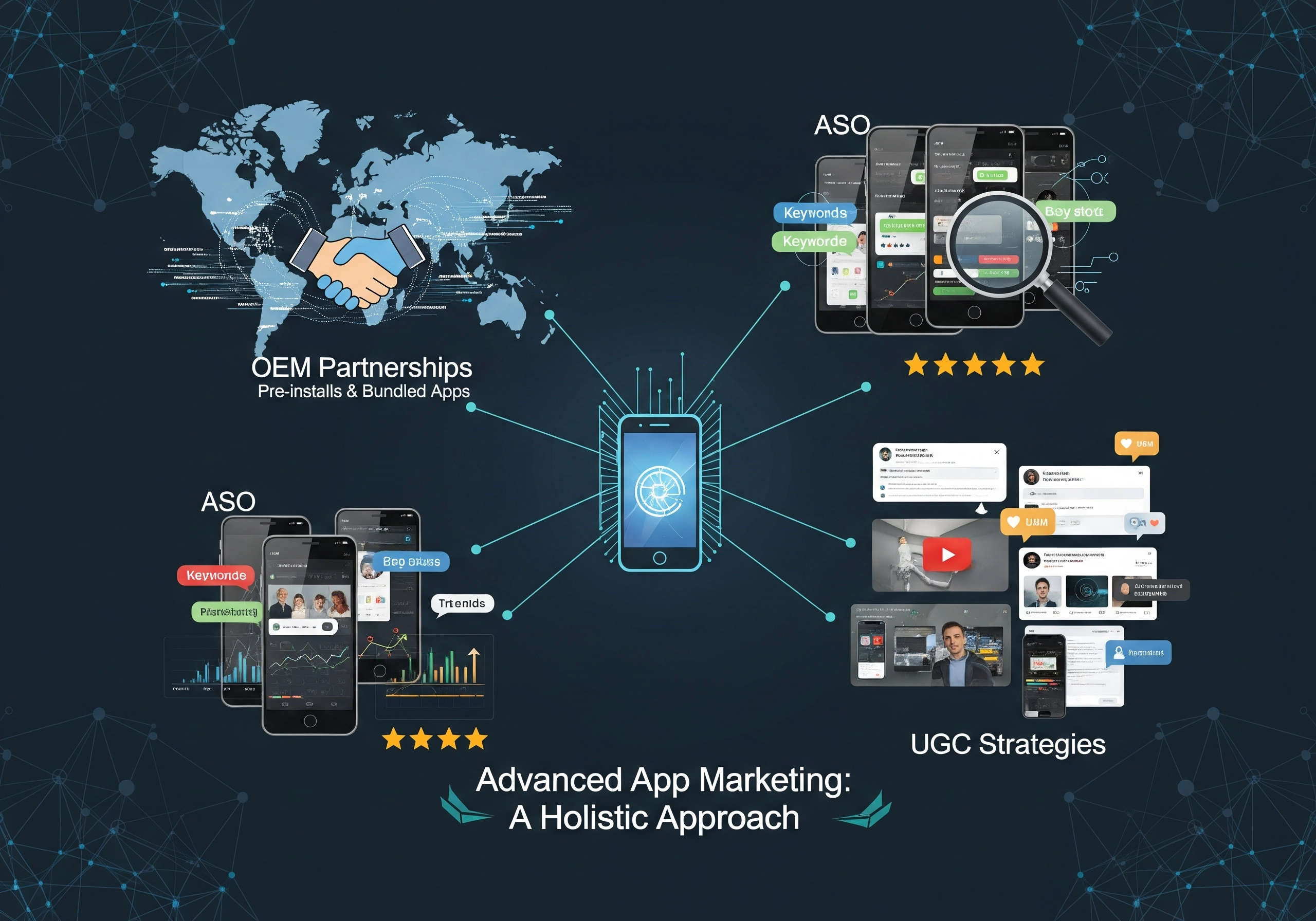
To truly excel with Google Ads app campaigns, consider implementing advanced strategies that differentiate you from competitors. These include leveraging OEM marketing, focusing on ASO, and integrating user-generated content.
Incorporating OEM Marketing for Scalable Acquisition
OEM marketing involves collaborating with device manufacturers to pre-install your app or promote it during the device setup process. This strategy helps ensure your app reaches a broad audience of new users, significantly boosting app installs. According to REPLUG, OEM marketing leverages partnerships with device manufacturers to pre-install your app or promote it during device setup. This strategy ensures your app reaches new users at scale and increases app installs.
Enhancing App Store Optimization (ASO) for Organic Growth
App Store Optimization (ASO) plays a vital role in improving your app’s visibility within both the Apple App Store and the Google Play Store. Concentrate on incorporating relevant keywords, using high-quality screenshots, and crafting engaging descriptions to increase conversion rates organically. ASO campaign is also capable to inform running a paid advertising campaign via Apple’s Search Ads.
Leveraging User-Generated Content (UGC) to Build Credibility
Develop compelling UGC success stories that highlight the tangible benefits of your app. User-generated content enables potential users to see firsthand how your app can address their specific needs and solve their problems.
Retargeting Campaigns to Re-engage Lapsed Users
Implement retargeting campaigns to reconnect with users who have previously interacted with your app but have not yet converted. By displaying targeted ads to these individuals, you can encourage them to revisit your app and complete a desired action. Want more app downloads? See how meta ads for app marketing can supercharge your campaigns in 2025.
Step 5: Adapting to the Future of App Campaigns
The app marketing environment is constantly changing, so it’s crucial to stay informed about emerging trends and adapt your strategies accordingly. Several key developments are poised to influence the future of Google Ads app campaigns.

Embracing Automation and Machine Learning
Google is increasingly utilizing automation and machine learning to optimize ad campaigns. Embrace these technologies to streamline your operations and enhance overall performance. Performance Max campaigns combine machine learning with multi channel placements. These campaigns work well for businesses that want reach across platforms with strong automation support.
Focusing on Personalized User Experiences
Personalized user experiences are becoming increasingly important. Customize your ad creatives and refine your targeting options to deliver tailored messages to individual users based on their specific interests and behaviors.
Prioritizing Data Privacy and Transparency
Data privacy is a growing concern for consumers. Prioritize data privacy and transparency in your app marketing efforts to build trust with your audience. Ensure compliance with all relevant data privacy regulations and maintain transparency regarding how you collect and utilize user data.
Optimizing App Marketing Strategy: Best Practices
To maximize your success, consider these additional tips:
- Implement custom in-app events tied to user value.
- Optimize toward purchase, trial start, or deep funnel engagement.
- Ensure real-time, deduplicated conversion syncing.
- Structure campaigns to facilitate continuous learning.
- Target specific audiences on search engines, app stores, and social media.
- Engage potential users with retargeting ads.
- Encourage recommendations and referrals with referral marketing.
Conclusion: Achieving Excellence with Google Ads for Apps
Succeeding with Google Ads app campaigns requires a thorough understanding of campaign types, optimization techniques, and emerging trends. By following the steps outlined in this guide, you can effectively increase app downloads, improve user acquisition, and achieve app marketing excellence. Remember to continuously monitor, test, and refine your campaigns to stay ahead in the ever-evolving app market. With the right strategies and a commitment to ongoing optimization, your app can thrive in the digital landscape.
As a digital marketing agency, Digital Shift helps companies achieve a bright future by providing digital marketing solutions, website development, app marketing, and brand positioning. Check out our digital marketing solutions today!
FAQs About App Campaigns
What are Google App Campaigns?
These are automated ad campaigns designed to promote your app across Google’s network, including Search, Play Store, YouTube, and the Display Network. They use machine learning to optimize ad placements and connect with the right users, facilitating app installs and user acquisition.
How do I set up an App Campaign?
To set up a campaign, navigate to the “Campaigns” page in Google Ads, define your campaign goals, select your app, configure settings, set your budget and bidding strategy, and create compelling ad assets.
What are the key optimization techniques?
Key techniques include A/B testing ad creatives, refining targeting options, analyzing performance data, and adjusting bidding strategies.
What are the emerging trends?
Emerging trends include embracing automation and machine learning, focusing on personalized user experiences, and prioritizing data privacy and transparency.
How can I stay ahead of the competition?
To stay ahead, leverage advanced strategies such as OEM marketing, enhancing App Store Optimization (ASO), encouraging user-generated content (UGC), and utilizing retargeting campaigns.